
Why Android Shows the Warning Message
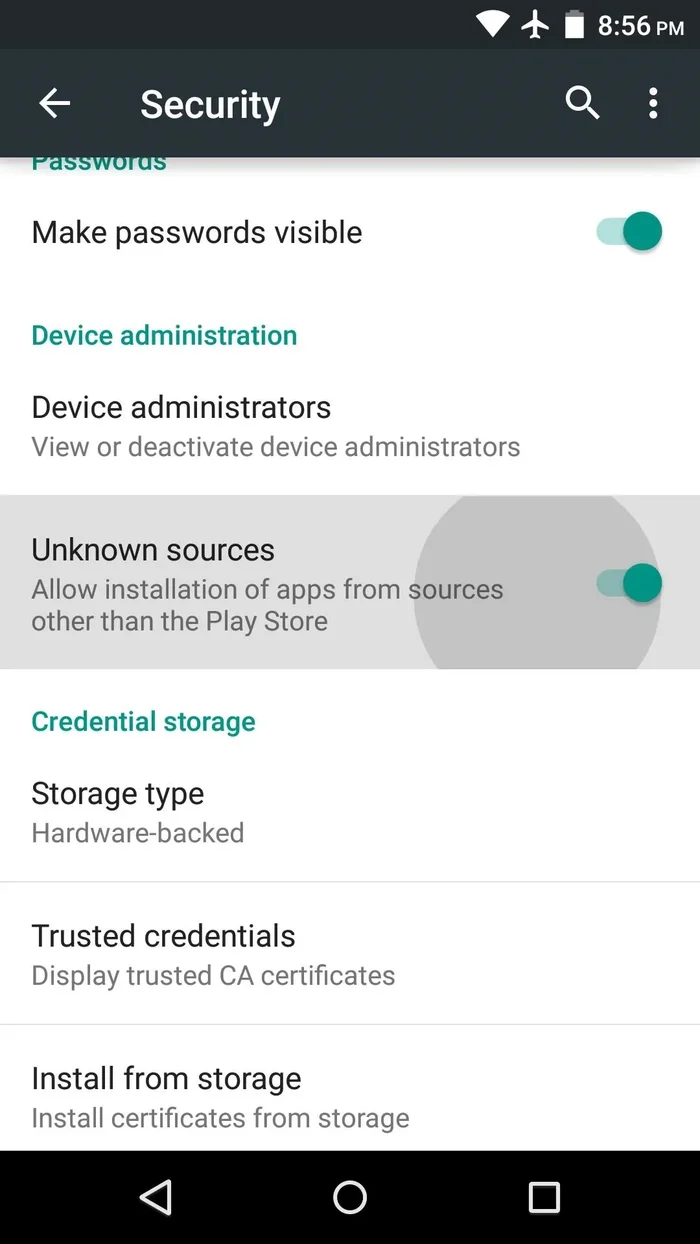
Android OS displays a security warning whenever you install an application downloaded outside Google Play Store. Because real-money gaming apps are not distributed through Google Play in Bangladesh, direct APK download is the standard method used by all major platforms.
Device-Specific Enablement Steps
For Samsung Galaxy Devices (OneUI / Android 11-14):
Go to Settings > Apps > Special App Access > Install Unknown Apps > Chrome (or your browser) and toggle 'Allow from this source' ON.
For Xiaomi, Redmi & POCO (MIUI / HyperOS):
Go to Settings > Privacy Protection > Special Permissions > Install Unknown Apps, tap Chrome, and toggle 'Allow'.